WorkspacePro - macOS App Launcher and Window Manager
Launch/close a bunch of macOS apps, open URLs and files just with 1 shortcut or click!
- Launch many apps just with shortcuts (or with button in the menu bar)
- Open unlimited URL links and files
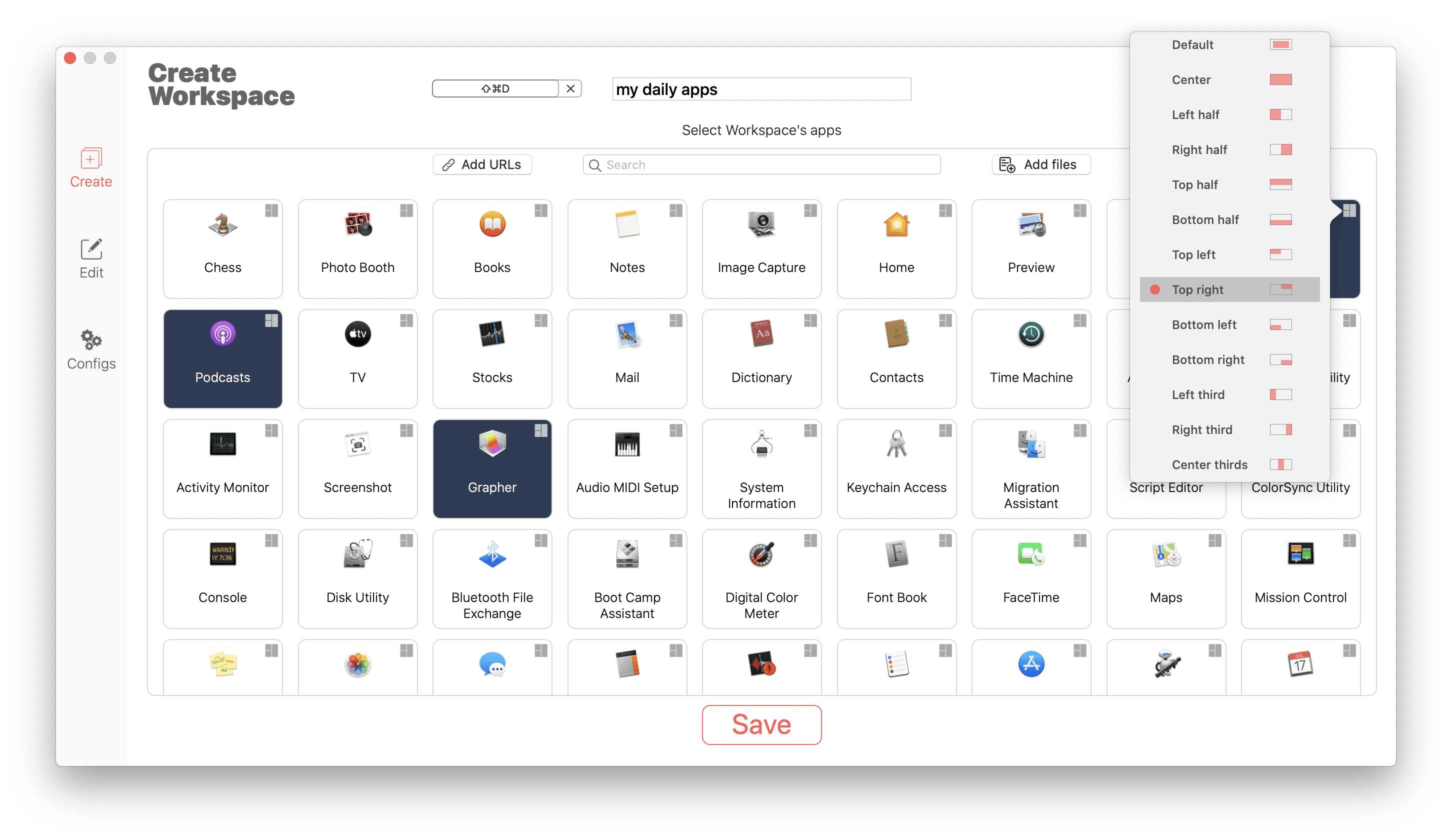
- Define in which position and size apps' windows will be launched
- Hide launched apps and other cool features
Create group of apps - Workspaces
Select which apps You want to open in this workspace, set apps' positions, define shortcut for workspace (to open and close it). That is all - Your apps are ready for to launch!
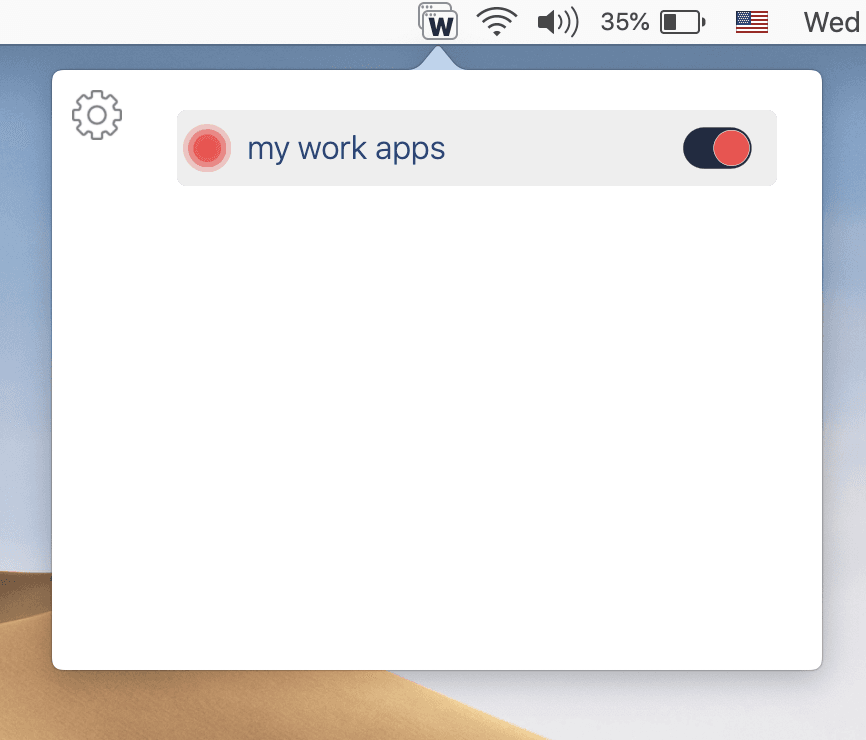
Open Workspaces just with 1 shortcut or click!
Use shortcut or button in the menu bar, and WorkspacePro will open all apps of workspace and set their positions and sizes for You!
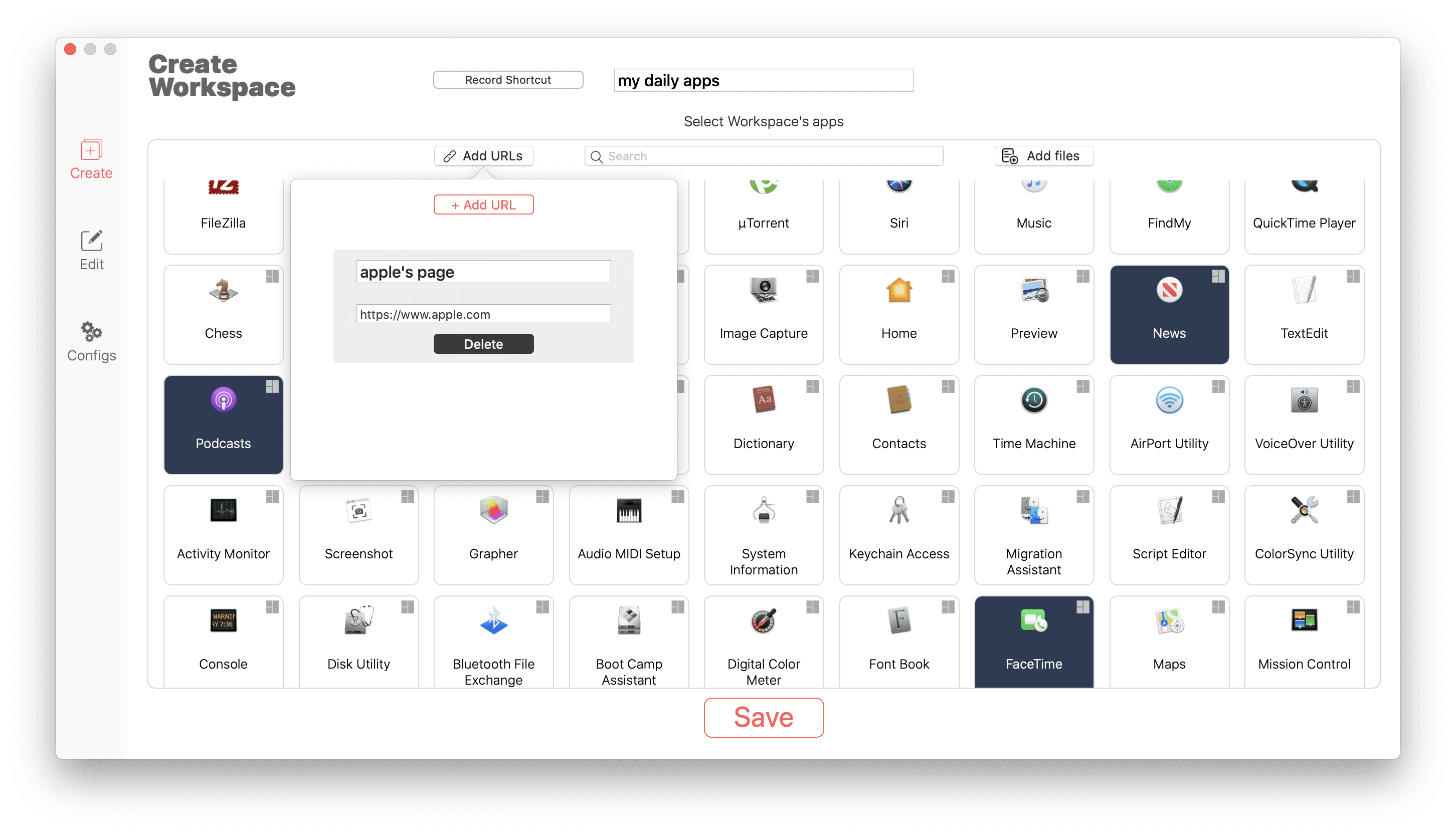
Open URL adresses in a browser
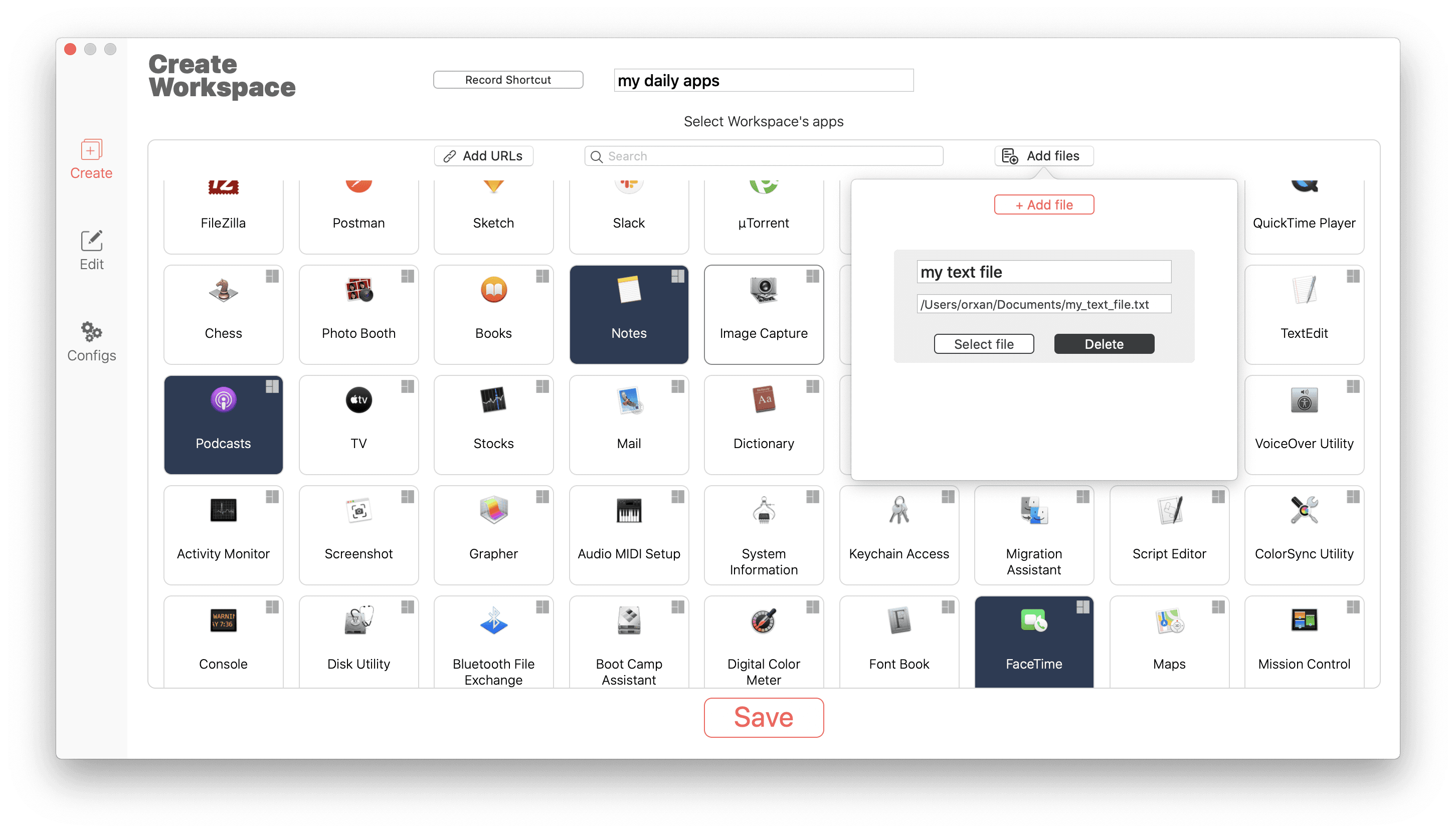
Now, you can add URL addresses to workspace and WorkspacePro will open these links in a browser for you!
Open unlimited files at once
Select and add files to workspace easily. WorkspacePro will open all files together saving your time!
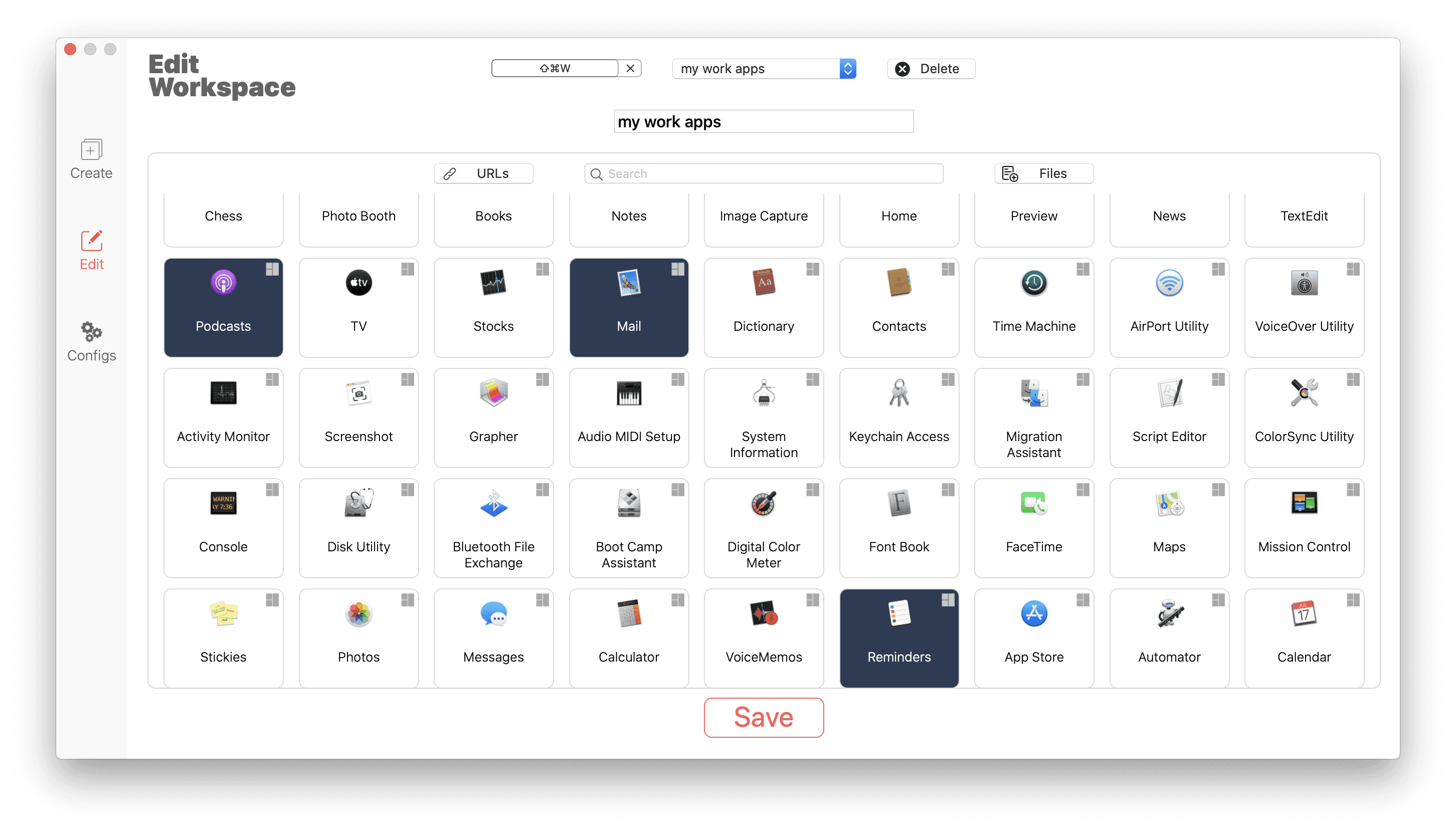
Edit Workspaces
If You want to edit already created workspace, just go to Edit section and change name, positions or shortcut of workspace easily!
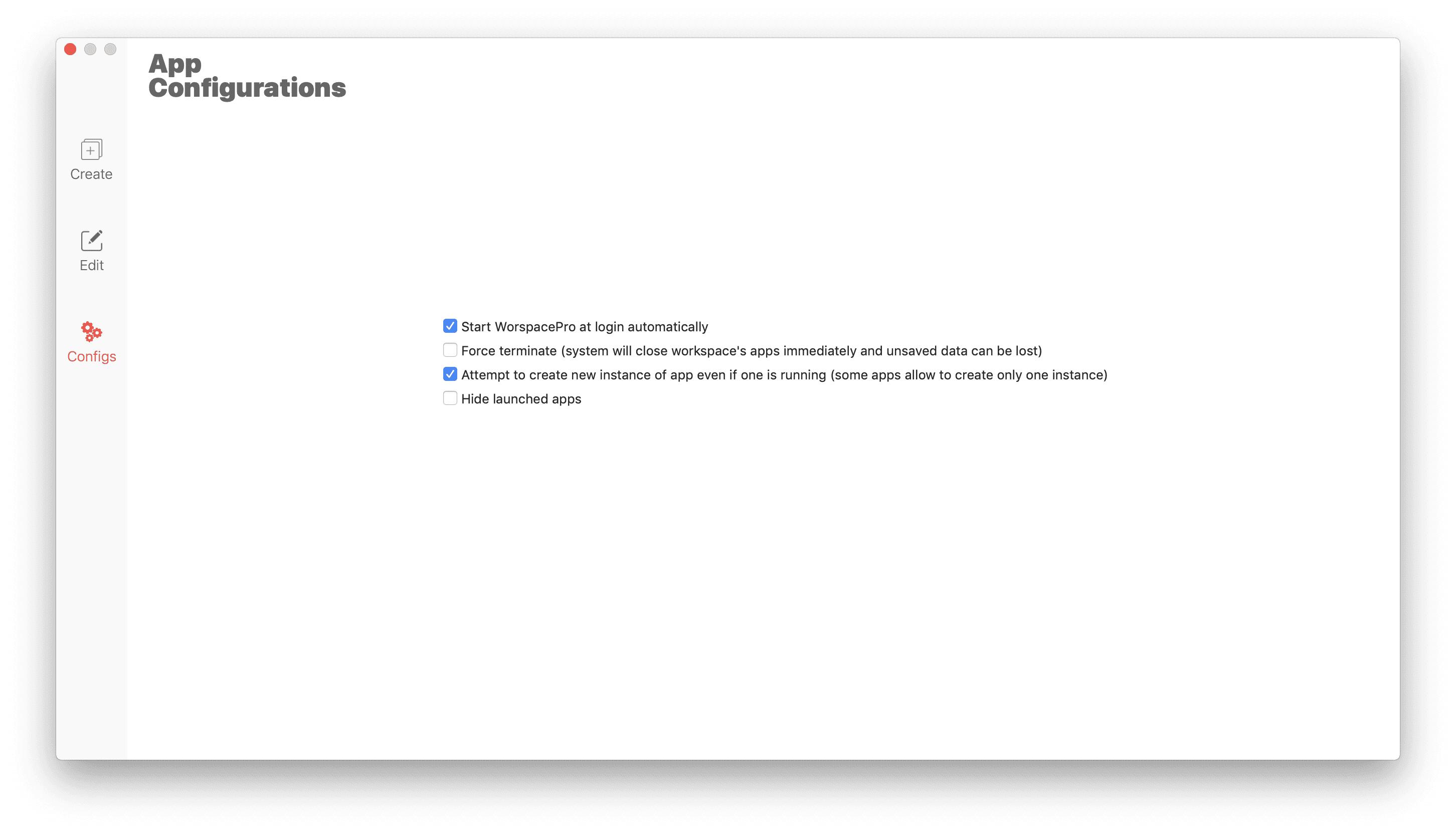
Configure other cool settings!
If You want to force terminate apps if they do not respond, hide launched apps or create new instances of apps if one is already running, then You can set this options in Settings section in 1 click! .